TradingView Backtesting: Bar Replay's Real Limits, and the Alternative
TradingView's Bar Replay is a great practice toy with hard limits: daily charts only on the free plan, plan-gated intraday history, and replay trades that are never saved. Here is where it stops working as a backtesting tool, and what to use instead.

TraderEdge Team
Tools & software//4 min read
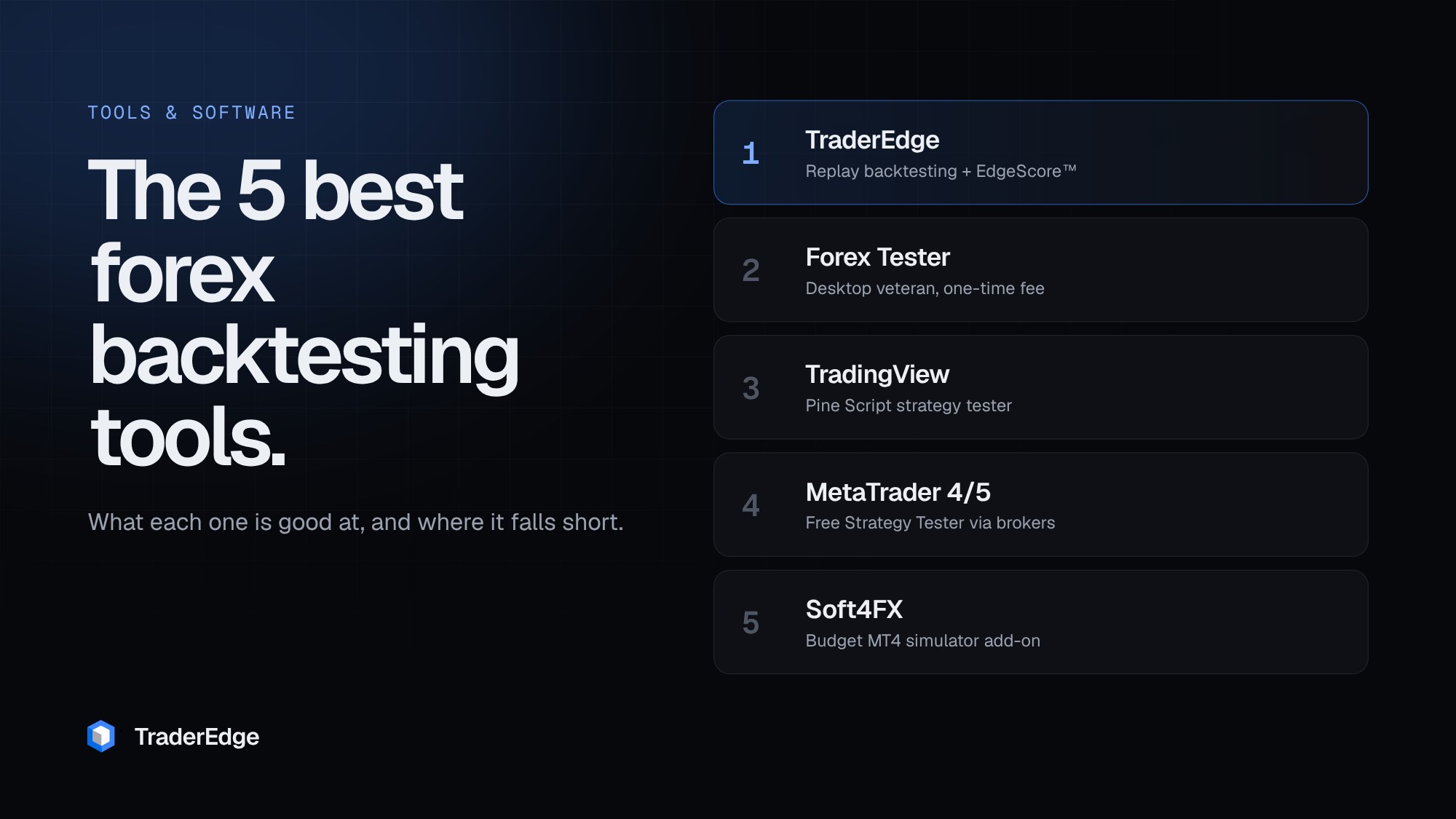
Almost every forex trader already has TradingView open, so Bar Replay is where most backtesting starts: hide the future bars, step forward, practise. It is genuinely good at that. The problem is that Bar Replay was built as a chart-reading practice feature, not as a backtesting system, and three specific limits decide the moment you outgrow it. This page names them precisely, with the plan figures checked against TradingView's own plan comparison in November 2026, then covers the alternative for traders who want to keep TradingView charts and lose the limits. Full disclosure: this is TraderEdge's blog, and TraderEdge is the alternative. TradingView's strengths are stated as plainly as its limits.
Limit 1: on the free plan, replay is daily charts only
Bar Replay on TradingView's free Basic plan works on daily and higher timeframes, with all available history. It does not replay minute-based charts at all: no H4, no H1, no M15, no M5. Intraday replay is a paid feature, and how far back it reaches scales with the plan: roughly 6 months of 1-minute history on Essential ($14.95/month), about a year on Plus ($34.95/month), and the full stored history on Premium ($69.95/month) and above. The depth scales with the interval, so 5-minute history reaches further than 1-minute on the same plan, but the structure is the point: the timeframe most discretionary forex strategies actually trade on is the one the free plan cannot replay, and a serious multi-year intraday sample sits behind the higher tiers.
If you trade daily swing setups, none of this bites: free Bar Replay covers you, honestly. If your strategy lives on H1 or below, you are paying for replay either way, and the comparison becomes what else the money buys.
Limit 2: replay trades are not saved
This is the quieter limit and the more serious one. TradingView's Replay Trading mode lets you place simulated orders on replayed bars, with a starting balance and commission settings, and shows session statistics. Those results exist only in that session. Close it and the trades, the equity curve and the statistics are gone; TradingView's own help pages describe the results as not saved anywhere. The workarounds are manual: export the trade list, or keep a spreadsheet open beside the chart and log every trade yourself.
A backtest you cannot re-open is not evidence, it is a memory. The entire value of a 100-trade sample is that you can return to it: filter it, compare it against the next sample, notice that every loser shared a session or a condition. When the record evaporates, each session starts the learning curve over. Dedicated backtesting software exists largely to close this one gap.
Limit 3: no journal, no score, no comparison across sessions
Because nothing is saved, nothing accumulates. There is no built-in journal for replay trades, no per-strategy score, no way to put this month's sample next to last month's and see whether the change you made helped. Pine's Strategy Tester does produce reports for coded strategies, and it is a real tool for systematic traders; it does not help the discretionary trader whose edge is in execution and pattern recognition, which is exactly the trader Bar Replay attracts.
The honest summary
| TradingView Bar Replay | TraderEdge | |
|---|---|---|
| Charts | TradingView native | Real TradingView charts |
| Free replay | Daily and higher timeframes only | Free plan: replay on EURUSD, GBPUSD, USDJPY |
| Intraday history | Plan-gated: ~6 months of 1-minute data on Essential, full history on Premium+ | Tick data back to May 2000 on the majors, on paid plans |
| Replay trades saved | No, session only | Yes, every session saved automatically |
| Scoring | Session statistics, not retained | EdgeScore on every saved session |
| Journal | None for replay trades | Trading journal + PnL calendar built in |
| Price | Free Basic; Essential $14.95/mo, Plus $34.95/mo, Premium $69.95/mo | Free plan; Starter $15/mo or $144/yr; Elite $39/mo or $349/yr |
When to stay on TradingView
Stay if you trade daily or weekly setups, if you only need occasional chart-reading practice rather than a testing programme, or if your testing is coded Pine strategies, where the Strategy Tester is the right tool and this page's criticism does not apply. Bar Replay is also unbeatable for a five-minute "how would this have felt" look at a setup, because it is already open in your browser.
When to graduate
Graduate the day you start a real sample: a defined rule set, a target of around 100 trades, results you intend to keep and compare. At that point the tool has to do three things Bar Replay does not: replay the timeframe you trade across years, not months; save every trade without manual logging; and score the session so the next one has something to beat. TraderEdge was built to be that step while keeping the charts you already use: the same TradingView environment, replay trades saved and EdgeScored automatically, your backtests and your live trading journal in one account. Our how to backtest a forex strategy guide gives you a fully specified rule set to run as your first recorded sample, and the full field, TradingView included, is compared in best forex backtesting software. Coming from a dedicated tool instead? See the FX Replay alternative and Forex Tester alternative pages.
Frequently asked questions
Is TradingView Bar Replay free?
On daily and higher timeframes, yes, on every plan including the free Basic plan. Intraday replay needs a paid TradingView plan: Essential includes about 6 months of 1-minute history, Plus about a year, and Premium and above the full stored history. Limits checked against TradingView's plan comparison in November 2026; TradingView adjusts them, so verify before subscribing.
Are TradingView replay trades saved?
No. TradingView's Replay Trading results exist only inside the session: the trade list and performance summary are not saved anywhere once the session ends. You can export or write the trades down manually, but there is no saved, scored session to review later, which is the core difference between Bar Replay and dedicated backtesting software.
What is the best TradingView backtesting alternative?
For traders who want to keep TradingView charts but gain a real testing record, TraderEdge: it replays on real TradingView charts, saves every session automatically with an EdgeScore, includes a trading journal, and its tick data reaches back to May 2000 on the majors. It starts with a free plan; Starter is $15/month and Elite $39/month.
Can TradingView backtest a strategy properly?
Its Pine Strategy Tester runs automated tests on historical bars, which suits coded strategies. What it does not do is discretionary replay testing with a saved record: Bar Replay trades vanish with the session, and free-plan replay is limited to daily charts, so most intraday discretionary testing is either plan-gated or unrecorded.
Try it yourself
Test this on real data back to 2000.
Replay the market bar by bar, place trades and get an EdgeScore™ on the result. Free plan, no card required.
Found this useful? Share it with a trading buddy.